
Download Background Generator – wallpaper, background, design, create, customize, template, tool, utility, mobile app, productivity
Overview
Background Generator is a mobile application developed by SoftPas, designed to empower users with the ability to create personalized and professional-quality backgrounds for presentations, documents, and websites. The app addresses the common challenge of finding visually appealing, unique, and contextually appropriate wallpaper without relying on third-party sources. By offering an in-app design environment, it eliminates the need for external tools or complex software, making it accessible to both novice users and those with intermediate design experience.
Target users include students preparing academic presentations, professionals creating business documents, and content creators needing custom visuals for digital platforms. The app’s focus on productivity aligns with the growing demand for on-the-go design tools that integrate seamlessly into mobile workflows. It fills a niche in the mobile productivity ecosystem by offering a lightweight yet capable solution for background creation, especially within the Android environment.
Although the developer did not provide additional technical details, the app’s core functionality is centered around customization and ease of use. Its release date of November 3, 2022, indicates it has been available for over a year, suggesting a stable foundation. The application’s free pricing model enhances its accessibility, allowing users to explore its features without financial commitment. With a file size of 12.5 MB, it is optimized for efficient storage use and quick installation.
Key Features & Functionality
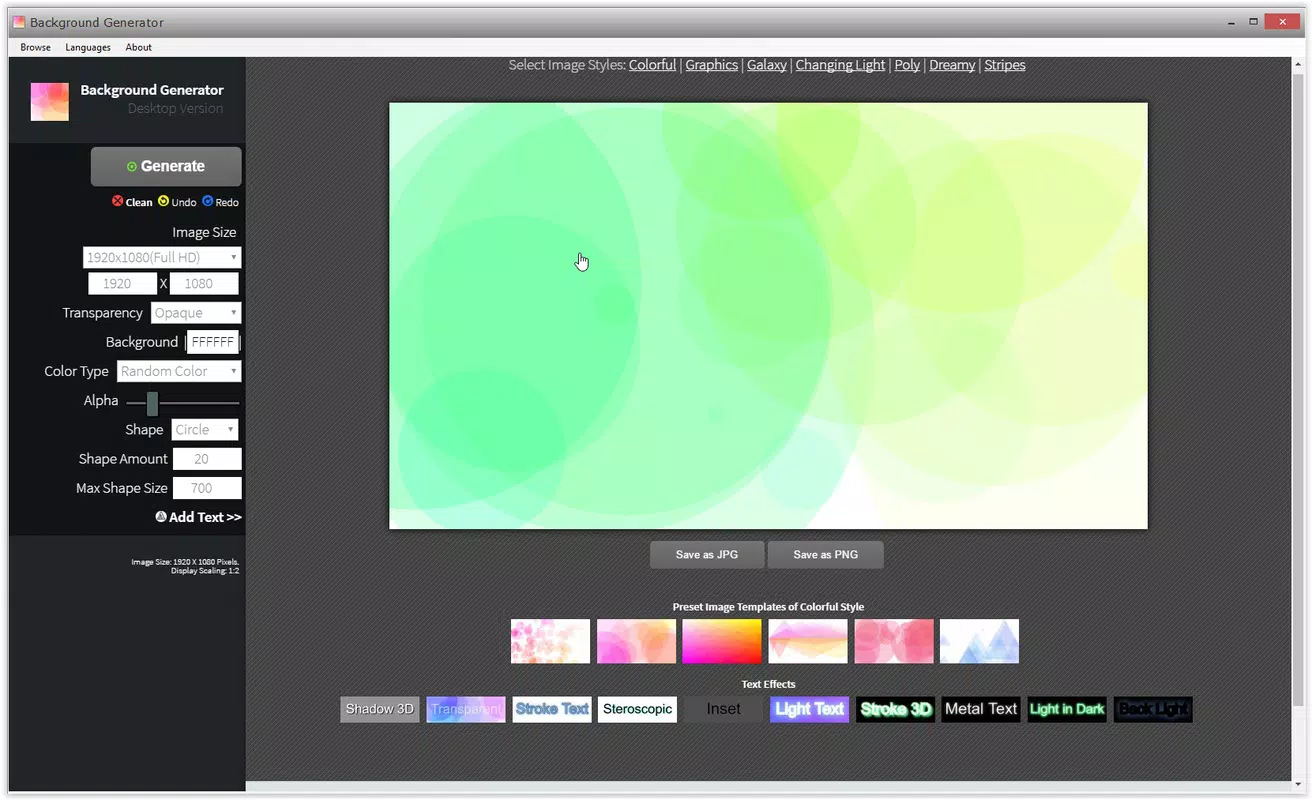
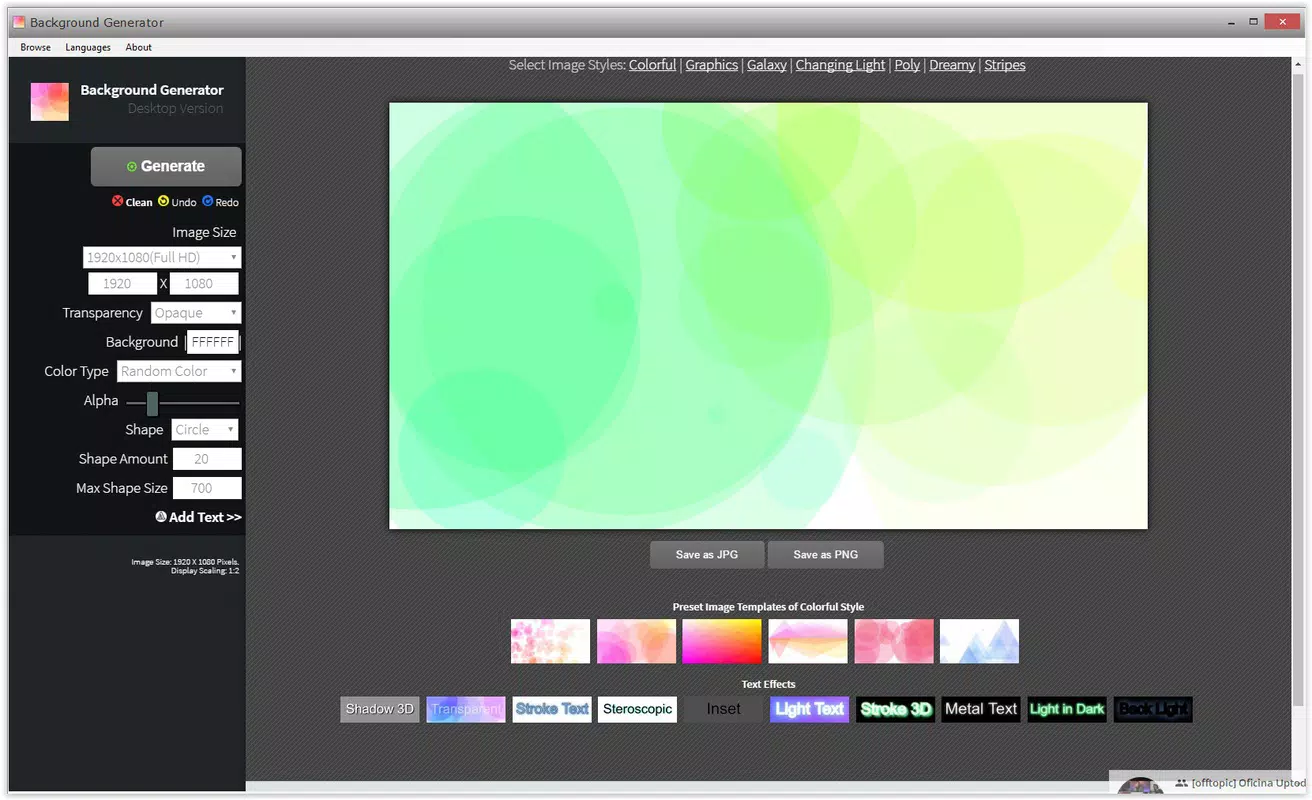
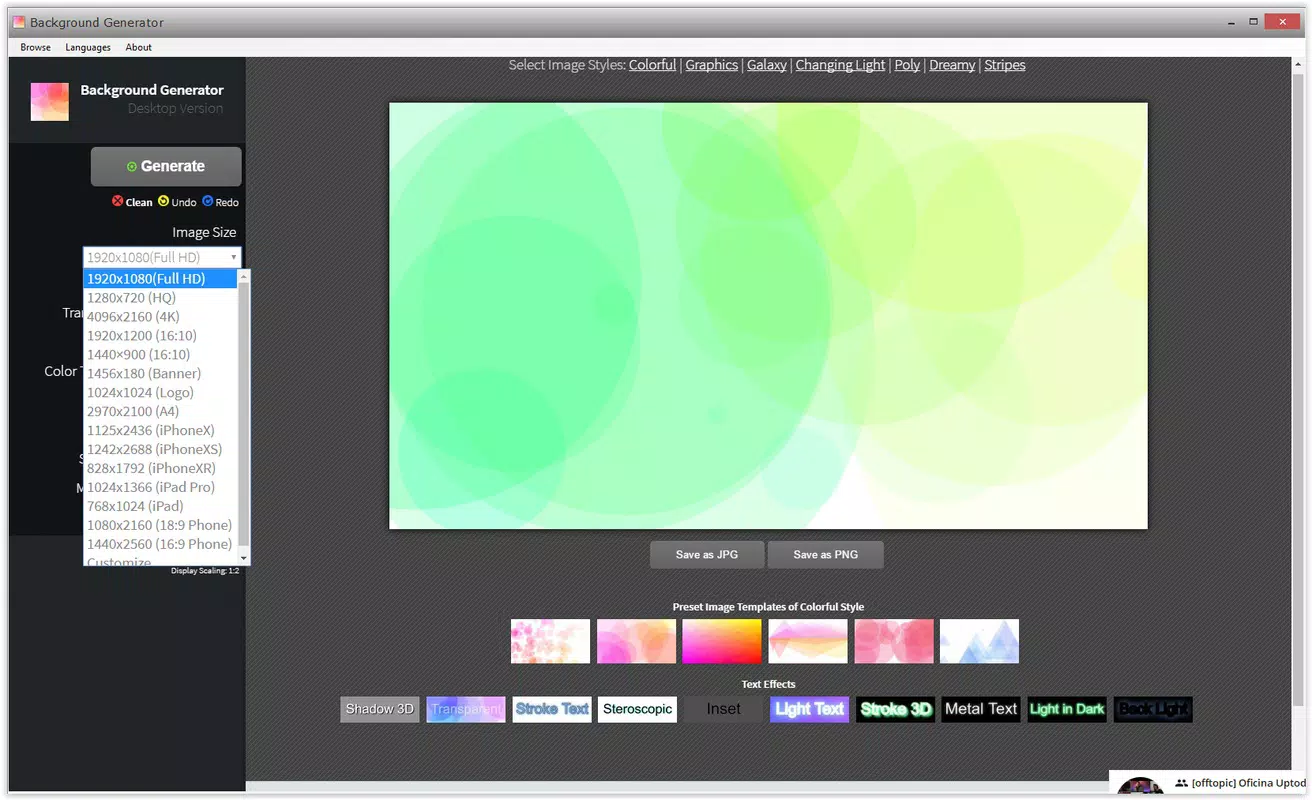
- User-friendly Interface: The app features a side-panel layout that organizes all tools and options for intuitive access. This design allows users to navigate effortlessly between functions, reducing the learning curve and enabling faster project completion.
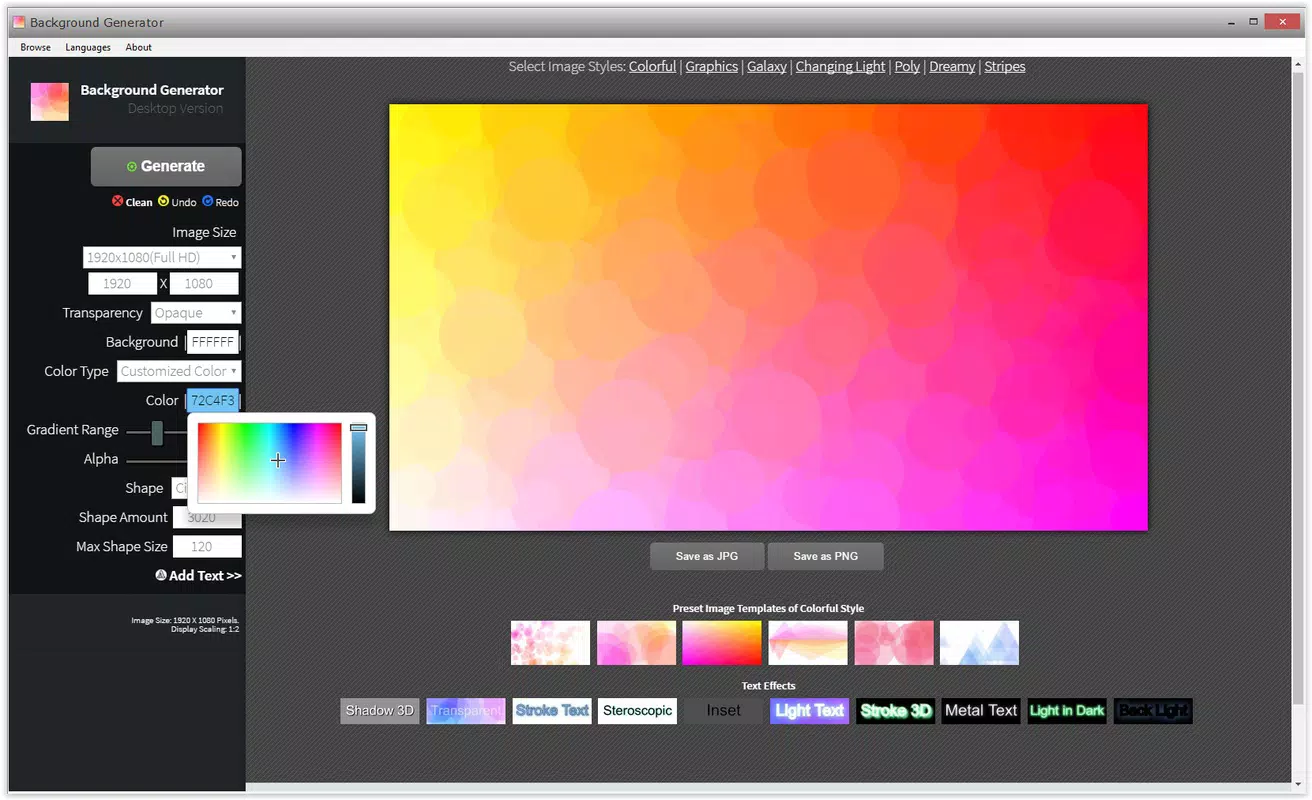
- Customizable Templates: A selection of pre-designed templates is available to jumpstart the creative process. Users can choose a base design and modify colors, patterns, and elements to match their desired aesthetic, ensuring a polished result with minimal effort.
- Diverse Editing Tools: Built-in tools allow for fine-tuned adjustments, including opacity control, shadow application, and font selection. These capabilities enable users to add text, adjust layering, and enhance visual depth, making each background highly personalized.
- Unlimited Background Creation: There are no restrictions on the number of designs users can produce. This freedom encourages experimentation and supports iterative design, allowing users to generate multiple versions for different projects or purposes.
- High-Quality Outputs: All generated backgrounds are rendered in high resolution, suitable for use across various digital platforms, including presentations, websites, and social media. The output quality ensures professional results without pixelation or distortion.
For example, a student preparing a science presentation can select a template with a clean, modern layout, adjust the color scheme to match their school’s branding, and overlay custom text with a legible font. Similarly, a freelance designer can create a series of backgrounds for a client, each tailored to a different theme, all within a single app session.
Interface, UX & Performance
The user interface of Background Generator is clean and focused, with tools logically grouped and accessible via a side panel. This layout minimizes clutter and promotes efficient navigation, contributing to a smooth user experience. The visual design emphasizes functionality over ornamentation, allowing users to concentrate on the creative process rather than interface distractions.
Navigation is straightforward, with clear icons and consistent labeling. Users can switch between templates, adjust settings, and preview changes in real time. Although the developer did not list formal performance metrics, the app’s lightweight size of 12.5 MB suggests optimized code and efficient resource management. This likely translates to fast load times and responsive interactions across a range of Android devices.
Stability appears to be well-maintained, as the app has been available since 2022 with no reported issues in its current version (1.0.4). Users can expect consistent performance during background creation, with minimal lag or crashes during routine tasks. The app’s lightweight footprint also supports use on older or mid-tier devices without significant performance degradation.
Platform Compatibility & Technical Requirements
Background Generator is available exclusively on the Android platform. It requires an Android operating system, though specific version requirements were not listed by the developer. The app’s file size is 12.5 MB, indicating a lightweight footprint that should accommodate most Android devices with standard storage capacity.
While the developer did not specify minimum OS requirements, the app’s release date of November 3, 2022, suggests compatibility with Android 6.0 (Marshmallow) or later, which is standard for most modern Android devices. The absence of detailed technical specifications does not detract from usability, as the app functions effectively within typical Android environments.
Users should ensure their device meets general Android system standards for app installation. No additional permissions or hardware requirements were disclosed, implying a standard app installation process without special device dependencies.
Pros and Cons
Pros
- Free to download and use with no hidden costs
- Lightweight size (12.5 MB) for quick installation and low storage use
- Intuitive interface with organized tools for easy navigation
- Unlimited background creation for maximum creative freedom
- High-quality outputs suitable for professional and personal use
Cons
- Platform limited to Android; no iOS availability disclosed
- Specific OS version requirements not provided
- Developer did not list advanced export formats or integration options
- No information on cloud sync or cross-device access
- Compatibility with older devices not explicitly confirmed
FAQ
Is Background Generator safe to download and install?
Yes, the app is free and available through official Android channels. It does not require root access or unusual permissions, and its lightweight size suggests a secure installation process.
Can I use Background Generator on iOS devices?
The app is currently available only on Android. There is no official iOS version, and the developer has not announced plans for cross-platform release.
How often is Background Generator updated?
The latest version is 1.0.4, released on November 3, 2022. While no update frequency is specified, the app remains functional and stable as of now.
Does Background Generator support exporting to different file formats?
The app generates high-quality backgrounds, but specific export formats were not listed. Users should expect standard image formats, though advanced options may be limited.
Is an internet connection required to use Background Generator?
No, the app functions offline. All tools and templates are stored locally, allowing users to create backgrounds without an active internet connection.
Final Thoughts + CTA
Background Generator stands out as a practical, no-frills tool for users seeking to create custom backgrounds on their Android devices. Its focus on simplicity, high-quality output, and unlimited design freedom makes it a valuable addition to the mobile productivity toolkit. Whether you're a student, professional, or creative enthusiast, the app delivers tangible value without complexity.
While it lacks cross-platform support and some advanced export features, its core functionality is solid and well-executed. The free pricing model and lightweight design further enhance its appeal. For Android users who need a reliable, on-the-go background creation tool, this app offers a streamlined and effective solution.
Download Background Generator now


